 “ are internal tokens (with no value in dollars) that allow members to receive credit for help they provide to non-profits or individual Simbi members, without having to exchange talents directly.
Projects
With the launch of Simbi’s Projects feature, administrators of Simbi Nonprofit Organizations (as well as individual Simbi Supporters and owners of Pro Organizations!) can break a big, complex needs into multiple associated individual requests, grouped and displayed as a single project!
How Projects Work
- Like requests, project pages are visible publicly by default, and can be paused or deleted by their creator.
- Changing the status of a project will apply the status change to all associated requests.
- Projects display a “budget” that totals up how many simbi credits each associated request is worth.
- Requests can be added or removed from projects at any time by editing the project.
How to create a Simbi Project
- Log in to your personal Simbi account
- You can log in as your existing Org (see below), Create a new Org, or make sure you’re a Simbi Supporter!
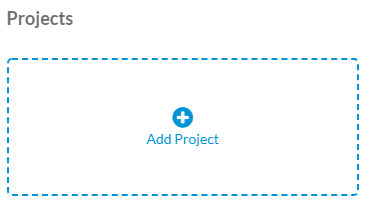
- Create a new project! (You can also scroll down on your dashboard, just past “Requested Services” to “Projects” and click “Add Project”)
- Associate existing requests before saving and publishing your new project!
